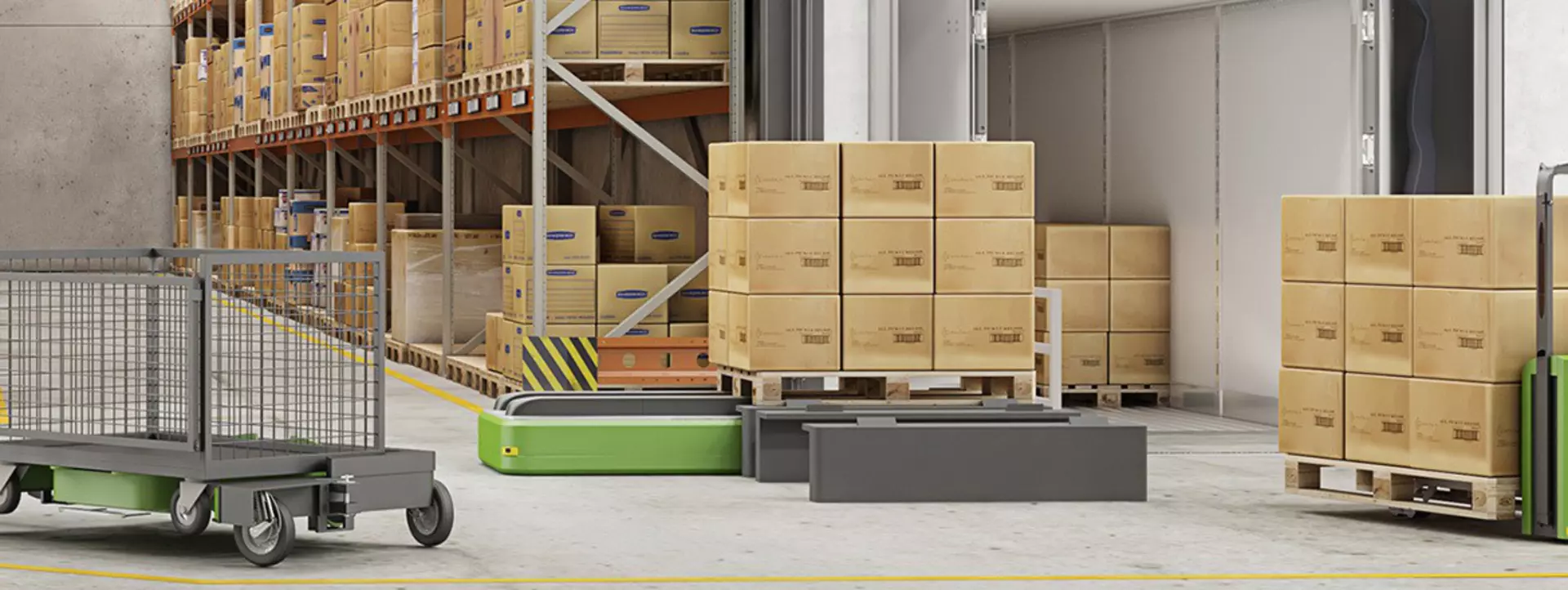
CANopen® to aid with increasing automation in heavy-duty applications
CANopen is an additional option for LINAK® actuators to improve control in automation and autonomous vehicles. CANopen actuators are easy to integrate and configure.
What is CANopen?
CANopen is a high-level communication protocol that is based on the Controller Area Network (CAN) protocol. It relies on the CiA 301 standard and is one of the main network architectures used in industries such as railways, agriculture, heavy truck and bus, marine, off-highway and factory automation.
It was originally designed for motion-oriented machine control systems, such as handling systems. Today it is used in various application fields, such as robotics (automated robotics, conveyor belts and other industrial machinery), automotive (agriculture, railway, trailers, heavy-duty, mining, marine) and many more.
LINAK actuators with integrated CANopen
CANopen is part of the LINAK IC Integrated Controller™ programme and is a well-known communication technology that has been on the market for decades. Our CANopen actuators are primarily designed with focus on industrial automation.
With the fast-growing automation trend, the demand for CANopen as a control option increases, making CANopen actuators highly relevant. With the CANopen option you can integrate an actuator directly into an existing CANopen network without the need for converter modules.
We offer a range of actuators with CANopen interface. This adds extra flexibility for manufacturers. Worth highlighting is the heavy-duty actuators LA36 and LA37 also available in both 24V and 48V editions, widening the range of product options even more.
Furthermore, CANopen is also well-suited for battery-driven applications.

A wider degree of flexibility
CANopen is an additional option for LINAK actuators, offering a wide degree of flexibility – especially for software engineers who need to control and monitor various vehicle components with a single platform.
Features and advantages
Aside from full position control, the CANopen actuators can provide feedback information about the piston position, current consumption, speed, and full diagnostics. It also provides system identification data and actual current at run-time. This allows for faster troubleshooting.
Features of actuators with integrated CANopen
| Feature | Description |
|---|---|
Software addressing | The individual CAN Node-ID assignment can be achieved using the LINAK service tool. |
Dynamic speed adjustment | Speed variation throughout the actuator movement and direct read-out of speed on the CAN bus network. |
Soft start and stop | Soft start and stop times can be set directly using a CAN command. You can set a ramp time for a smoother run to reduce mechanical stress on your machinery. |
Increased compatibility | A wide range of fixed communication speeds in addition to Autobaud for increased compatibility with various machinery. |
Easy installation | The provided electronic data sheet .eds file ensures an effortless setup. |
The benefits of LINAK actuators with integrated CANopen are numerous
- Check real-time position of the actuators
- Monitor their status feedback such as speed, run-time, current and other conditions
- Full diagnostics and service overview including both current and historic data
- Fewer components and simple wiring, which is easy to integrate with your machine
- Service data allows for faster troubleshooting and maintenance
Supporting literature
If you would like to know more about LINAK actuators and the CANopen option that comes with them, please visit our CANopen data sheet and user manual or contact your local LINAK office.
CANopen user manual software version 1
Electronic Data Sheet for CANopen (.eds file)
BusLink
Actuators with IC Integrated Controller from LINAK can be configured via the BusLink configuration software.
Download a free version of the latest BusLink software to configure your actuator or read out service data. The basic functionalities are explained here, and each communication protocol also comes with a variety of added features and guidelines.


LA14
Linear actuators
Extremely durable short-range linear actuator for applications operating in rough environments. Ensures reliable performance in temperatures ranging from -40 to +85 Celsius.
- Max. load: 750 N
- Max. speed: 45 mm/s
- Stroke length: 19-130 mm
LA25
Linear actuators
Compact designed linear actuator ideal for narrow spaces. Comes with a high IP degree and aluminium housing and is suited to operate in almost any conditions.
- Max. load: 2,500 N
- Max. speed: 25 mm/s
- Stroke length: 20-600 mm
LA33
Linear actuators
The linear actuator LA33 from LINAK combines compact design with powerful performance. Available with high-speed option, I/O and low-noise gear option for even more customisation possibilities in demanding applications.
- Max. load: 5,000 N
- Max. speed: 70 mm/s
- Stroke length: 100-600 mm
LA36
Linear actuators
Extremely powerful linear actuator made by LINAK. Up to 6,800 N load, or up to 160 mm/s. Designed to operate in extreme conditions. A solid choice for industrial and agricultural applications.
- Max. load: 6,800 N
- Max. speed: 160 mm/s
- Stroke length: 100-1200 mm
LA37
Linear actuators
Extremely powerful linear actuator able to create reliable movement even in very harsh environments. It comes with LINAK IC Integrated Controller™ and a wide range of industrial control interfaces.
- Max. load: 15,000 N
- Max. speed: 10 mm/s
- Stroke length: 100-600 mm
LA76
Linear actuators
Versatile electric linear actuator that delivers both robustness and long-term reliability. It excels in challenging environments and is a wise choice for a wide array of industrial machinery and applications that require high-level performance.
- Max. load: 6,800 N
- Max. speed: 142 mm/s
- Extended service life
LA77
Linear actuators
Powerful electric linear actuator designed to handle high loads and demanding environments. It delivers long-lasting reliability as well as a wide choice of industrial interfaces.
- Max. load: 15,000 N
- Max. speed: 7 mm/s
- Extended service life
Actuator Connect™
Digital solutions
LINAK Actuator Connect configurator helps you configure actuators with IC Integrated Controller™. Adjust parameters such as start/stop settings, virtual limits, and current limits, and read-out real-time and historical usage data.
- Flexible prototyping
- Analyse performance
- In-depth troubleshooting