
What you need
Whether you focus on machine design or machine control, find the resources that help you move your project forward:
Automation engineer
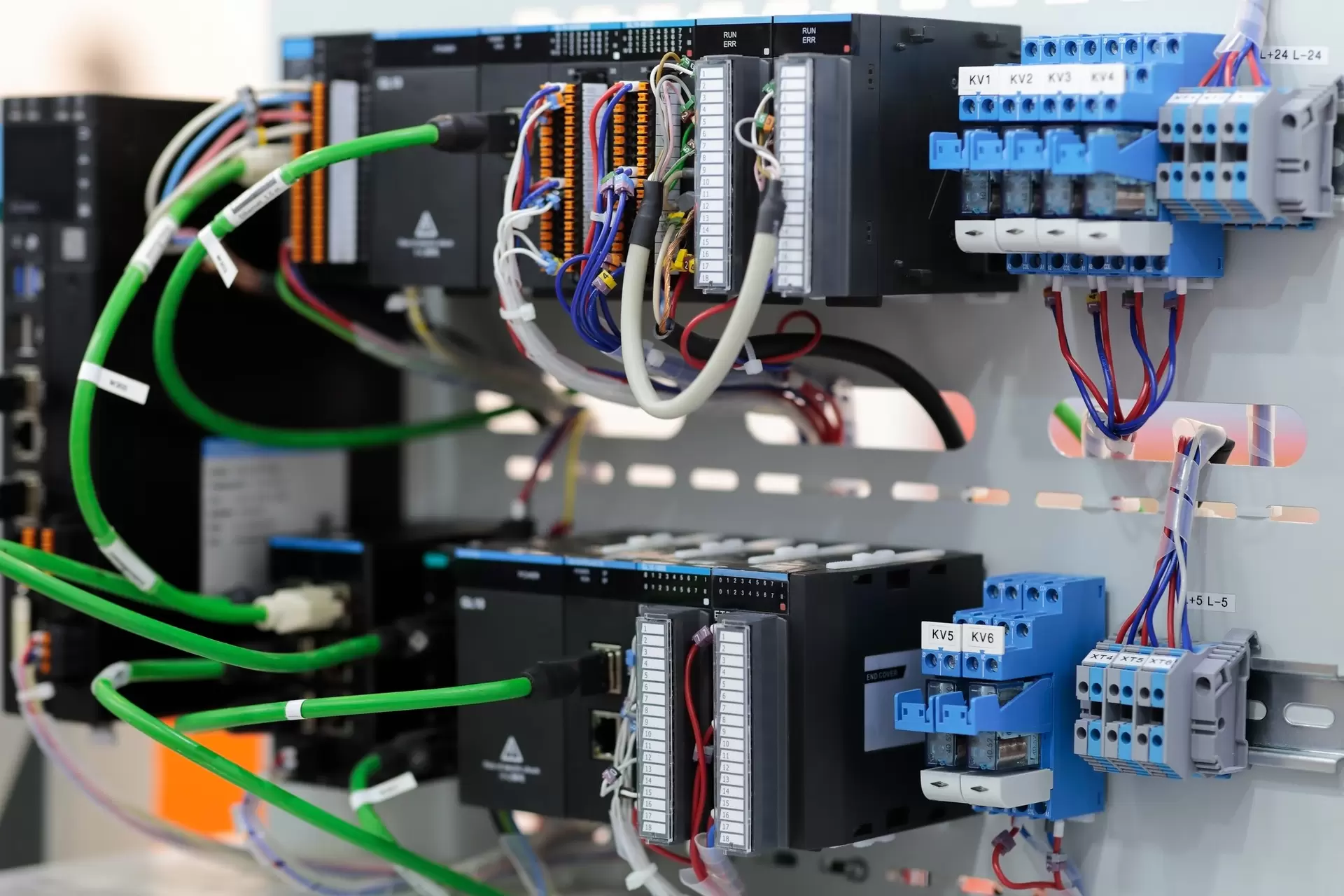
Easy device integration into your automation system. No extra hardware, no workarounds - you can focus on smarter machine design. The electrical setup is easy with the interface manual, EDS file and integration package - available under Downloads.
Mechanical engineer
Need to validate the mechanical fit?
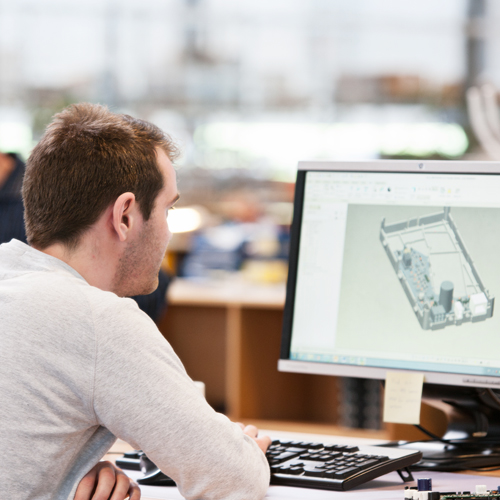
Find the actuator that best matches your application's requirements. Review specifications, compare available products, and access configurable 3D models to quickly validate dimensions, mounting options, and mechanical fit before creating your first mock-up.
Downloads
Read the EtherNet/IP interface manual to ensure correct wiring and setup and get familiar with how the actuator communicates.
To simplify PLC integration a dedicated EDS (Electronic Data Sheet) is available. The file contains all necessary communication parameters and identity information for easy setup. Get the file on the online database ODVA or here.
Designed for Rockwell users – our Allen-Bradley Integration Package includes pre-configured Add-On Instruction (AOI) that makes integration of actuators in Studio 5000 easy.
An integration package for OMRON is also available.
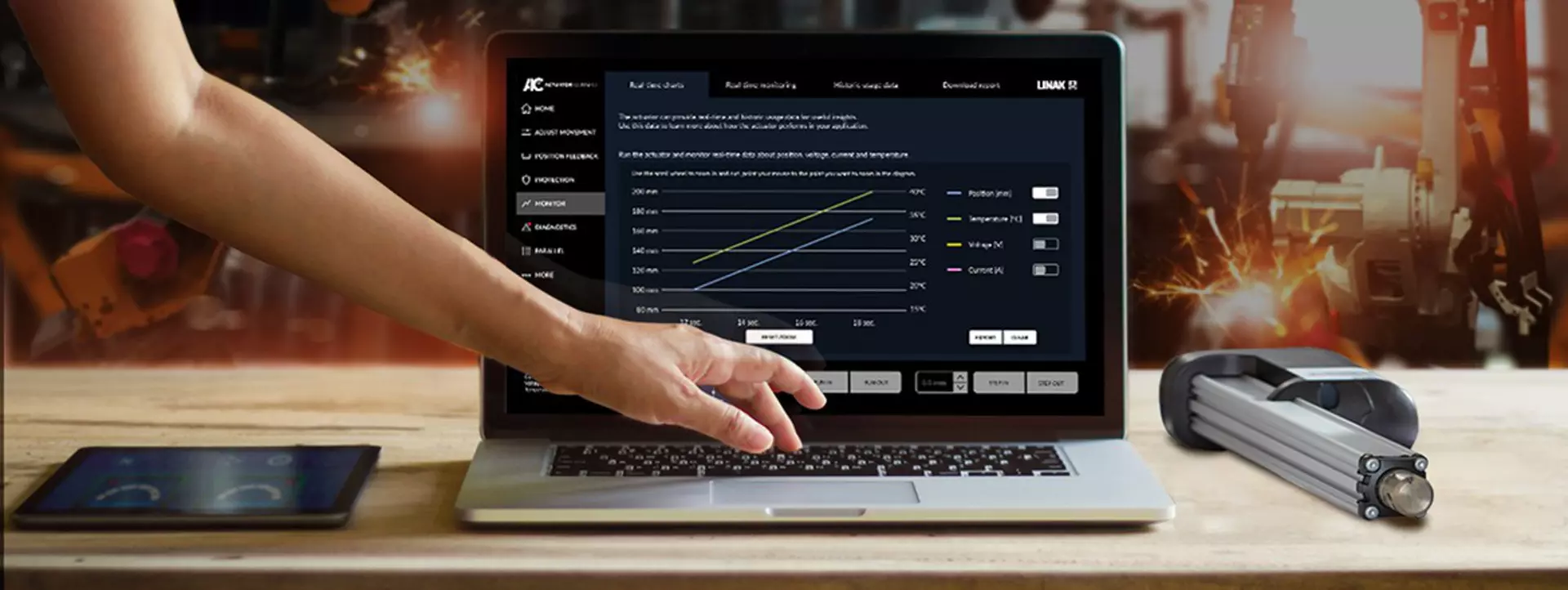
Tip: Use Actuator Connect™ Demo Mode to explore available functions and configuration options without a physical actuator. For commissioning and troubleshooting, connect via cable to configure the actuator or generate a detailed diagnostics report.
Note: OMRON is a trademark of OMRON Corporation and Allen-Bradley and Studio 5000 are registered trademarks by Rockwell Automation



Smarter motion. Everything built in
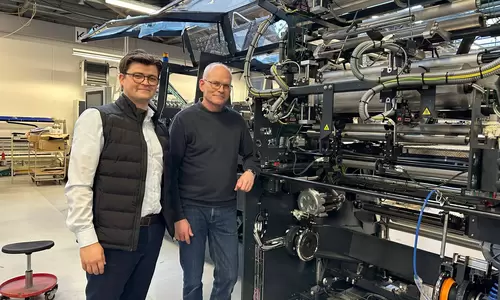
What does smarter motion mean for a software engineer? We asked one of our customers, Lars V. Nielsen at Schur Automation. For him, it means easier motion integration and more predictable automation changeovers.
Easy integration:
Native EtherNet/IP enables the actuator to connect directly to the control system, eliminating integration work. This streamlined setup is particularly valuable to Lars, as EtherNet/IP is their preferred network, based on their established expertise and investment in Schneider Electric components. “With other solutions, we had to build the connection ourselves. Here, everything just fit together, and the setup was seamless.”
Note: Schneider Electric is a registered trademark of Schneider Electric SE
Smarter automation:
Built-in precise positioning and parallel functionality automate adjustments that were previously made manually: “Instead of adjusting manually, we can define 20 mm in one recipe and 100 mm in another – and the actuator just moves there.”
Packaging recipes can now define the required position, while two actuators move synchronously without external controllers or custom synchronisation logic.

Simpler machine design:
Moving functionality into the actuator reduces the need for additional hardware and software. Encapsulating the actuator control in a reusable PLC function block also makes future integration more predictable:
“I’ve already made the actuator into a function block. That means next time it will be much easier to integrate.”
We improve your life. And that includes making everyday work easier for both mechanical and software engineers – from machine design to integration, commissioning, and troubleshooting.
Products with EtherNet/IP
LA37
Extremely powerful linear actuator able to create reliable movement even in very harsh environments. It comes with LINAK IC Integrated Controller™ and a wide range of industrial control interfaces.
- Max. load: 15,000 N
- Max. speed: 10 mm/s
- Stroke length: 100-600 mm
LA36
Extremely powerful linear actuator made by LINAK. Up to 6,800 N load, or up to 160 mm/s. Designed to operate in extreme conditions. A solid choice for industrial and agricultural applications.
- Max. load: 6,800 N
- Max. speed: 160 mm/s
- Stroke length: 100-1200 mm
LA33
The linear actuator LA33 from LINAK combines compact design with powerful performance. Available with high-speed option, I/O and low-noise gear option for even more customisation possibilities in demanding applications.
- Max. load: 5,000 N
- Max. speed: 70 mm/s
- Stroke length: 100-600 mm
LA25
Compact designed linear actuator ideal for narrow spaces. Comes with a high IP degree and aluminium housing and is suited to operate in almost any conditions.
- Max. load: 2,500 N
- Max. speed: 25 mm/s
- Stroke length: 20-600 mm
LA21
The LA21 is a small yet powerful industrial electric linear actuator designed for fast and precise positioning. Featuring an integrated controller, its compact form and broad customisation options make it ideal for applications where space is limited but performance is critical.
- Fast and accurate
- Compact
- Built to last
LA14
Extremely durable short-range linear actuator for applications operating in rough environments. Ensures reliable performance in temperatures ranging from -40 to +85 Celsius.
- Max. load: 750 N
- Max. speed: 45 mm/s
- Stroke length: 19-130 mm
LA77
Powerful electric linear actuator designed to handle high loads and demanding environments. It delivers long-lasting reliability as well as a wide choice of industrial interfaces.
- Max. load: 15,000 N
- Max. speed: 7 mm/s
- Extended service life
LA76
Versatile electric linear actuator that delivers both robustness and long-term reliability. It excels in challenging environments and is a wise choice for a wide array of industrial machinery and applications that require high-level performance.
- Max. load: 6,800 N
- Max. speed: 142 mm/s
- Extended service life
LC3 IC
LC3 IC is a 3-stage electric lifting column that has been designed to easily incorporate heavy lifts into your automation projects. It offers flexible integration through a collection of interfaces, ensuring compatibility regardless of industry and applications. It is a ready-to-use lifting solution field-tested for robust, lasting industrial performance.
- Ready-to-use lifting column
- Supports a variety of interfaces
- Parallel running of more columns
I/O™ Interface
Communication option
Get more actuator functionality with minimal hardware and engineering effort.
IO-Link
Communication option
Access actuator data and diagnostics directly through your IO-Link Master.
CAN J1939
Communication option
Bring intelligent actuator control to off-highway and agricultural machinery.
Modbus RTU
Communication option
Keep communication simple while accessing advanced actuator functionality.
PROFINET
Communication option
Integrate intelligent actuators directly into Siemens-based automation systems.
CANopen
Communication option
Bring advanced actuator control into your CANopen environment.
Modbus TCP/IP
Communication option
Combine Ethernet communication with intelligent actuator functionality.
