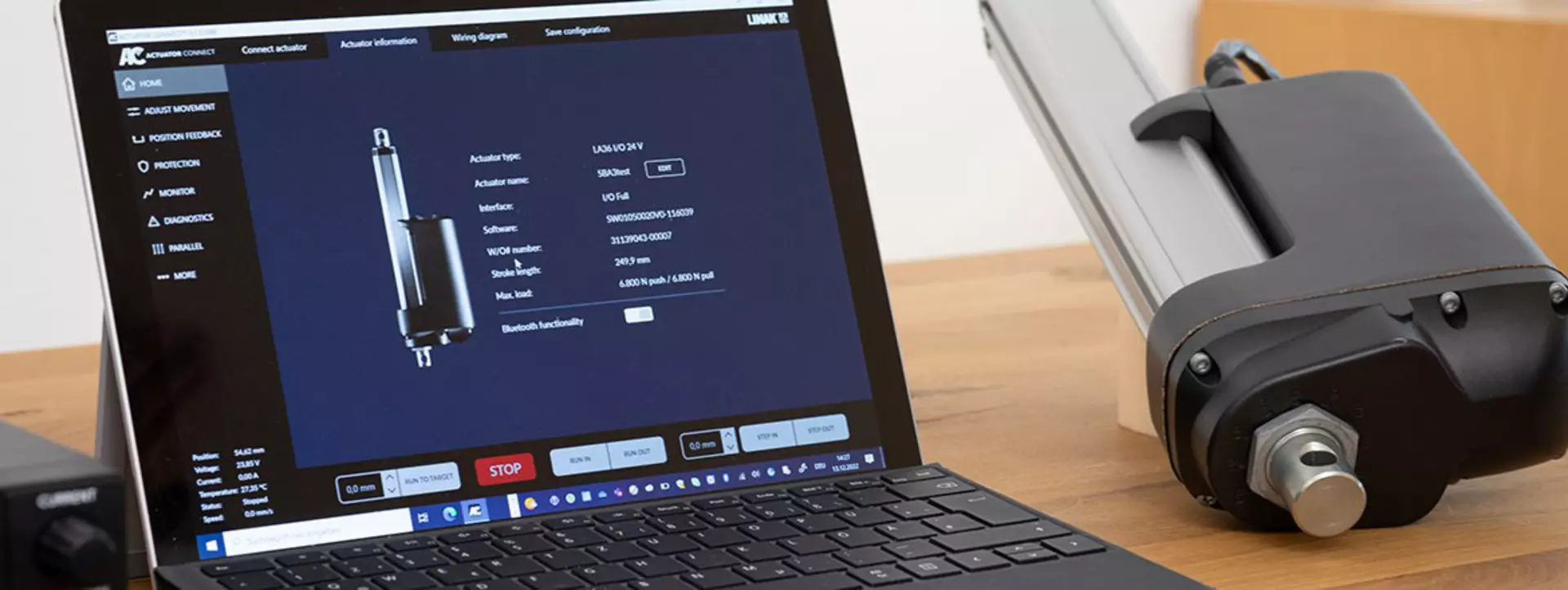
The ‘Protection’ option in the Actuator Connect™ configurator helps you prevent damage and breakdowns by protecting your application from improper use. Several features can help you achieve optimal performance of your application.
Let Hunter guide you through the Protection features of an I/O actuator, one of several options configurable within the Actuator Connect configurator for the LINAK® I/O interface.
Learn more about our I/O interface , or download a free version of the latest Actuator Connect configurator.
The current limiting algorithm describes the way the electric actuator responds to an obstruction. Or in other words, how it detects an obstruction and how fast it responds to it.
If the actuator’s current consumption rises above the set limit, the actuator regulates and tries to keep it below the set current limit by means of Pulse Width Modulation (PWM), which is used to regulate the motor speed. The actuator does this continually until the actuator stops moving (mechanically blocked) – determined by monitoring the Hall feedback signal. If there are no Hall pulses during a set time frame, the actuator stops.
LINAK offers start settings (ramp-up) and stop settings (ramp-down) of the electric actuator as an alternative to an instant stop. With ramp-up and ramp-down, the actuator slowly accelerates to full speed when starting movement or slowly decelerates from full speed when stopping. With this feature you avoid bouncing and achieve smooth operation.
You can choose to go with the LINAK default settings or your own ramp speed setting. This feature provides smoother movement and reduces strain on the application, significantly extending the actuator service life.
In some cases, there may be external factors that need to be in place before the actuator can run. You can use a third digital input as an external precondition to allow movement.
A signal from for instance an external sensor can be connected directly to the actuator to verify whether these conditions are established before it runs.
Did you know?
The I/O™ actuator has a predefined current limit which cuts off power to the motor if this limit is reached. Here, you can set specific current limits throughout the stroke length, and you can set 10 variable limits in each direction – each at a 10% interval. The settings for start and stop allow you to gradually increase or decrease the speed of the actuator when starting and stopping the movement. This will extend the service life of the actuator and reduce stress on the mechanics in your application.